All guides
Finding anything in seconds
Describe what you remember — a scene, a word somebody said, a person — and let the search do the digging.
The search bar
Hit the search bar and type what you remember: "red car trees", "interview about the mill", a person's name, a filename fragment. DISKO searches across filenames, your tags, AI tags, scene descriptions, people, camera metadata, and transcripts — all at once.
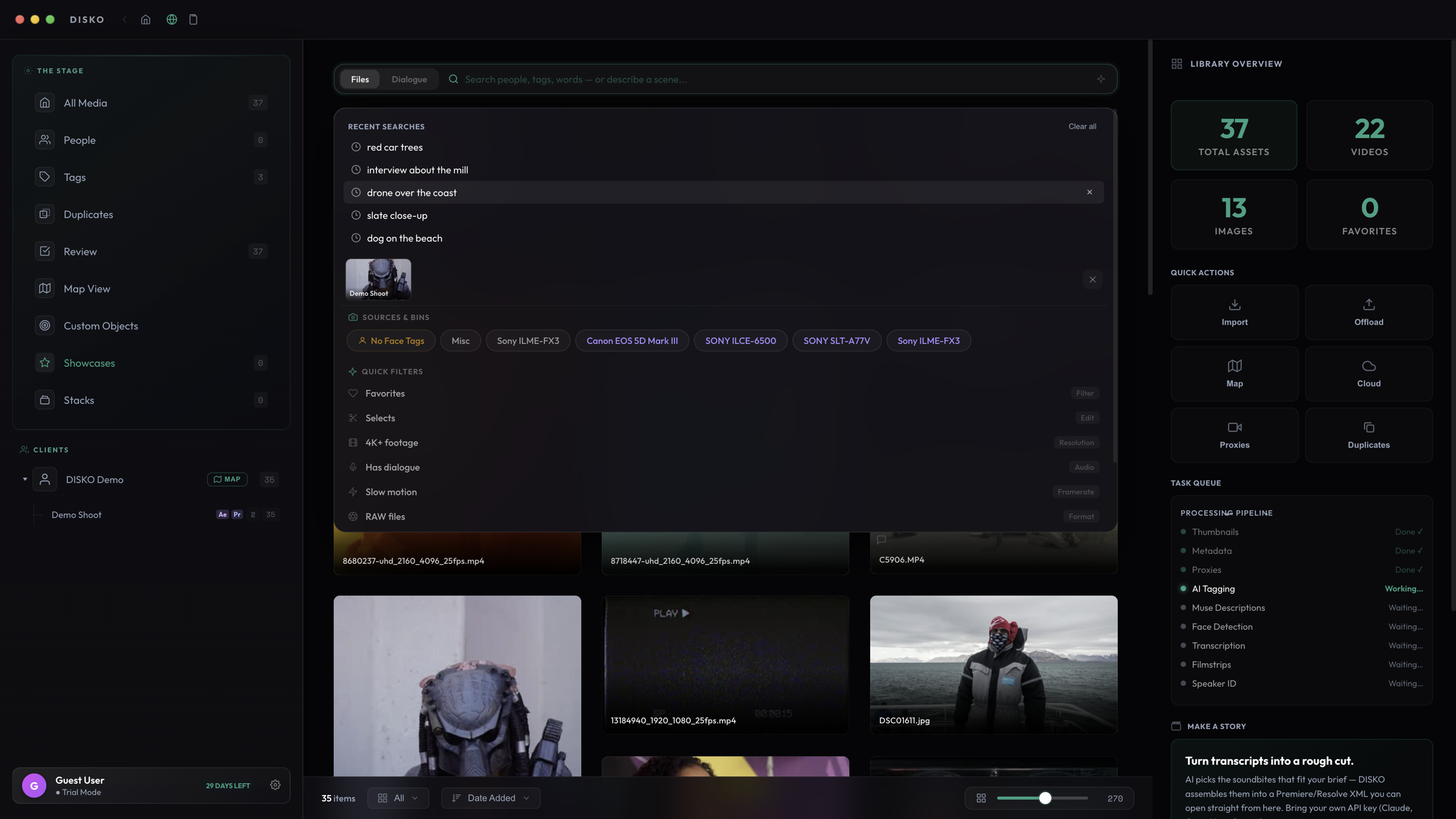
Word forms are handled for you — "tree" finds "trees", "car" finds "cars" — but search matches whole words, so "red" finds red cars, not Redwood National Park.
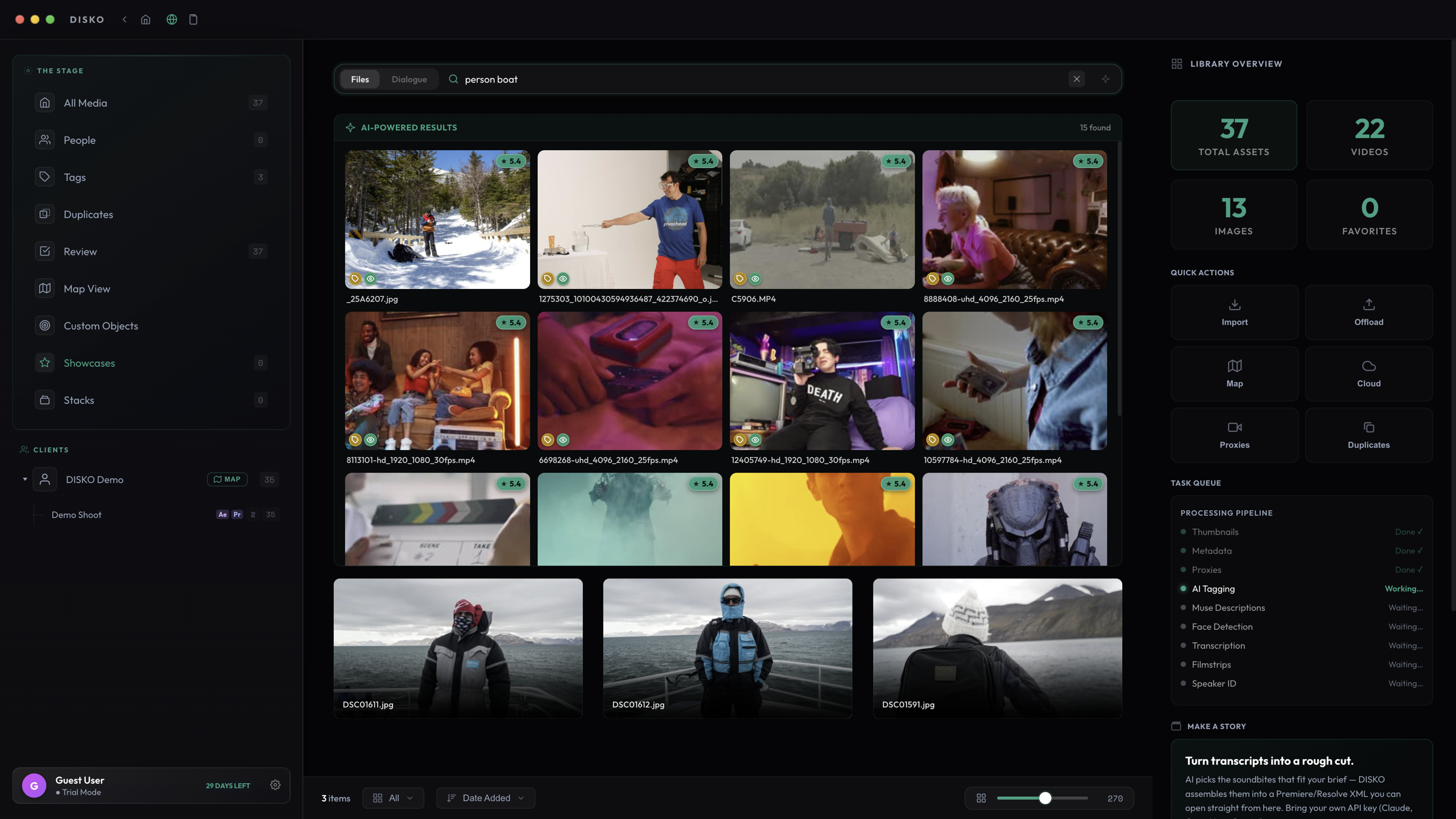
AI-Powered Results
For descriptive searches, the AI-Powered Results panel ranks your best matches above the grid. It fuses every signal DISKO has — AI scene descriptions, tags, people, transcripts, and visual similarity — and files matching all your words rank far above files matching one.
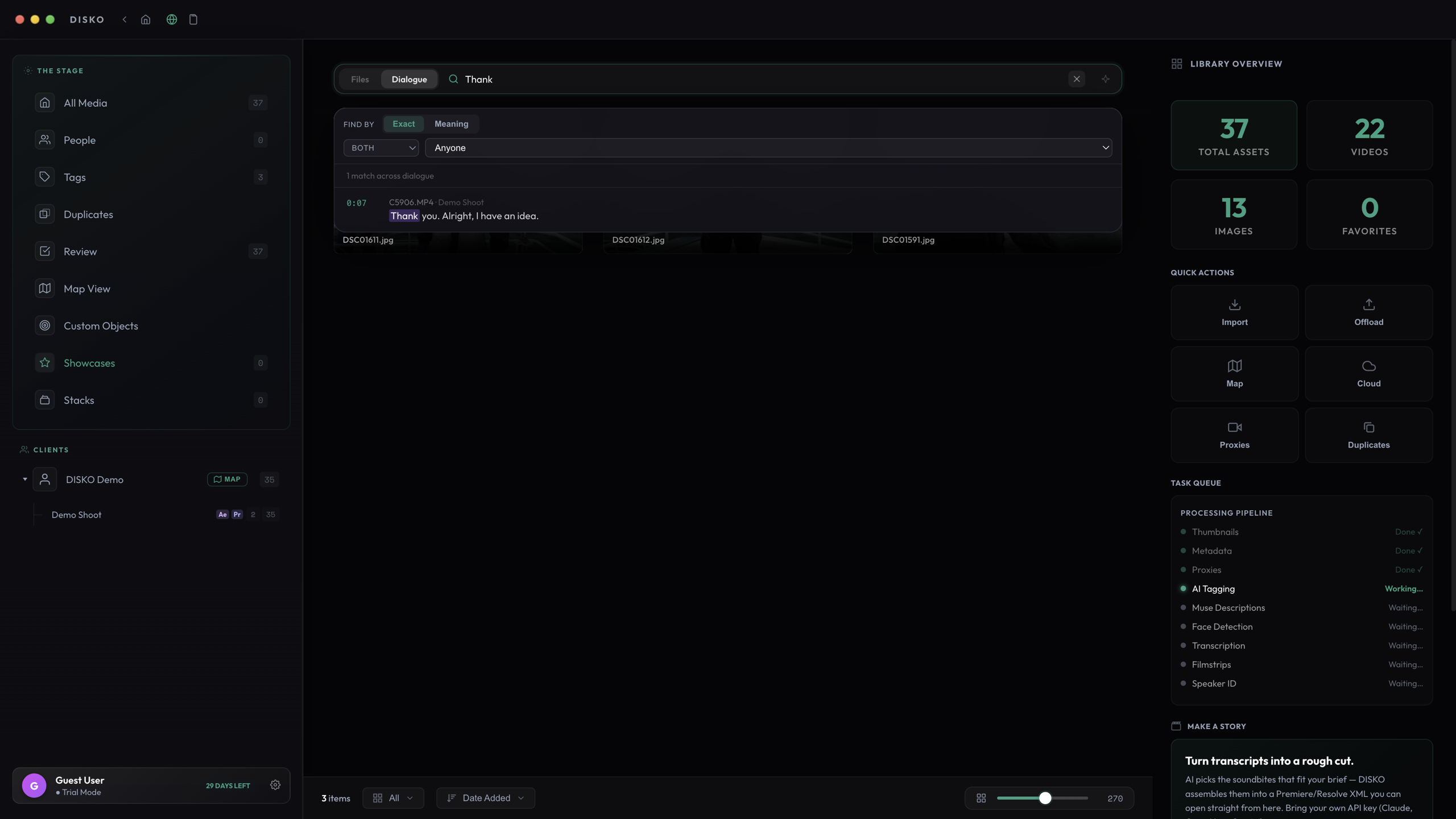
Dialogue mode
Flip the search bar to Dialogue and you are searching what people said instead of what things look like. Every result shows the transcript line that matched, and clicking one takes you to that exact moment in the clip. Combine it with a person filter to find that one thing that one person said, three shoots ago.
Operators for precision work
When you need surgical filtering, the search bar takes operators: is:untagged to find files the AI has not gotten to, type: for file types, res: and fps: for technical culls, rating: and label: for your own marks, date: for time ranges, and has: for features like transcripts or GPS.
Scope matters: searching while inside a project searches that project. Jump to the library root to search everything.