All guides
The pro player and LUT preview
Play the formats browsers refuse to, and preview log footage graded — in real time, before it ever touches an NLE.
What plays natively
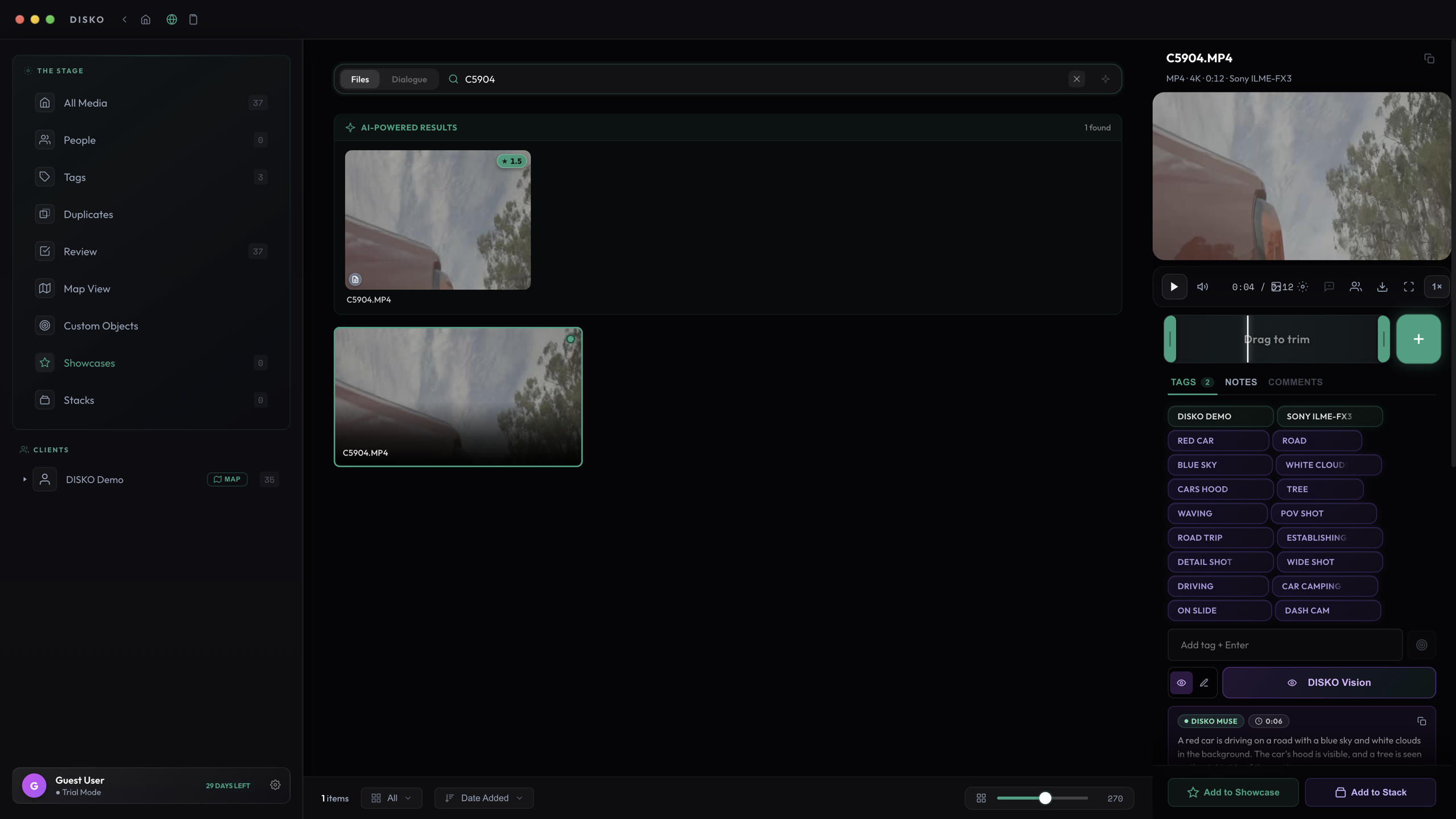
DISKO ships its own professional playback engine, so the formats that make web apps and stock players give up play like normal files: ProRes (all flavors), DNxHD and DNxHR, CineForm, Sony XAVC in MXF, and the 10-bit HEVC that drones and mirrorless cameras record — plus every ordinary MP4, MOV, and MKV. Nothing extra to install.
The RAW exceptions (blame the camera companies)
The proprietary RAW codecs — RED R3D, Blackmagic BRAW, ARRIRAW, and Canon Cinema RAW Light — do not play natively, and that is not on us: the camera companies lock those formats down so tight that only the big boys get to pay for the privilege. R3D has an escape hatch: install RED's REDline tool and DISKO can convert clips for playback.
The good news: footage from those same cameras recorded as ProRes or XF-AVC plays perfectly, and RAW files are still first-class citizens in your library — thumbnails, metadata, tagging, and search all work.
Real-time LUT preview
Shot in log? DISKO detects the camera and log profile from metadata and applies the right conversion LUT automatically — S-Log3, V-Log, C-Log, RED, Blackmagic, ARRI, D-Log, GoPro flat profiles all have bundled LUTs. The preview renders in real time on the GPU and follows the video into fullscreen.
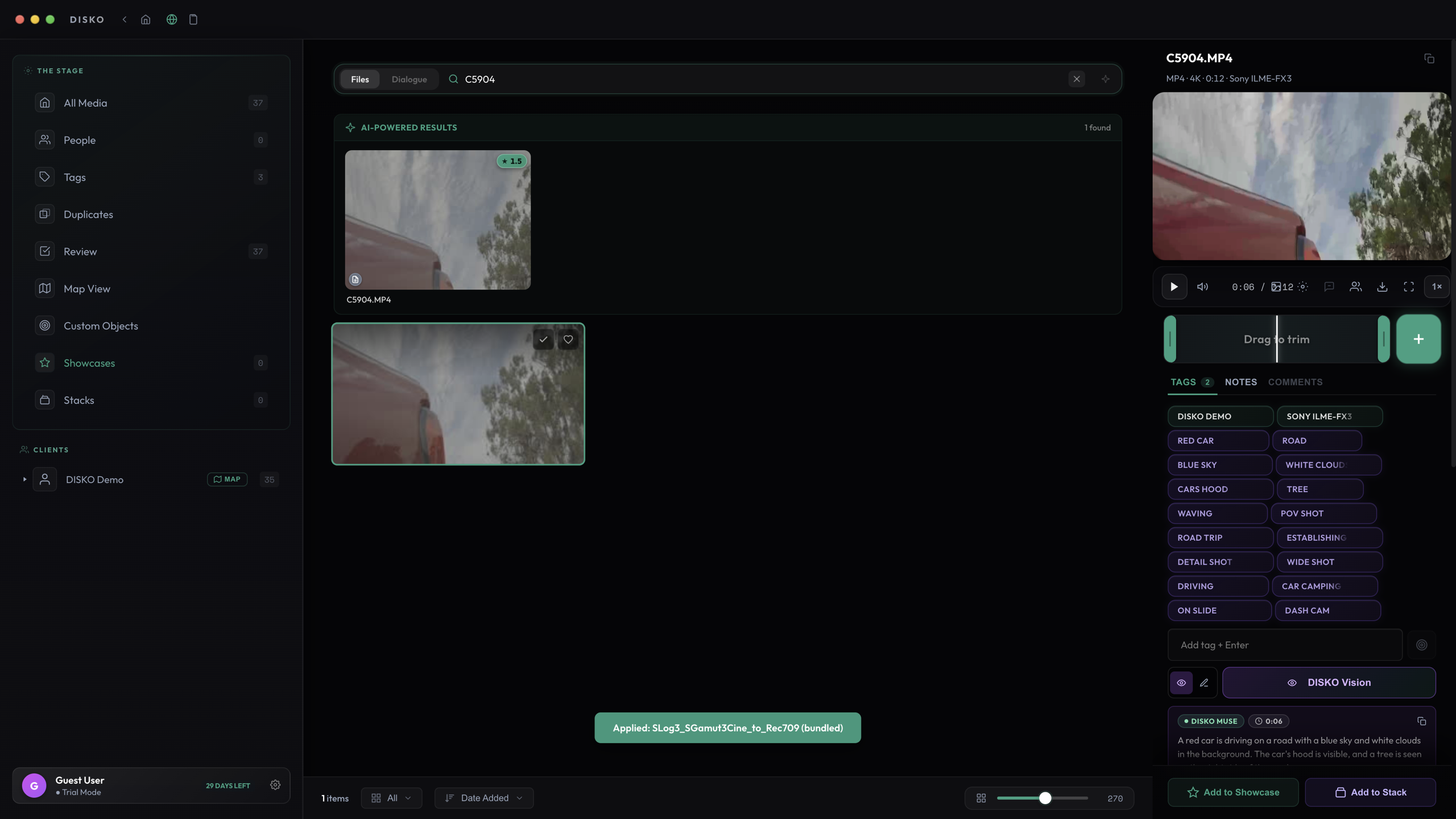
You can load your own .cube LUTs too — drop in a show LUT and browse dailies the way they will actually look.