All guides
Client portals
A branded, always-current home for everything you've shot for a client — instead of a graveyard of expired download links.
What a portal is
A client portal is a private site at its own link where a client browses everything you've shared with them: raw selects, cuts, final deliverables, across every project. It updates as you sync — no re-exporting, no re-uploading, no "can you resend that". Clients never need an account.
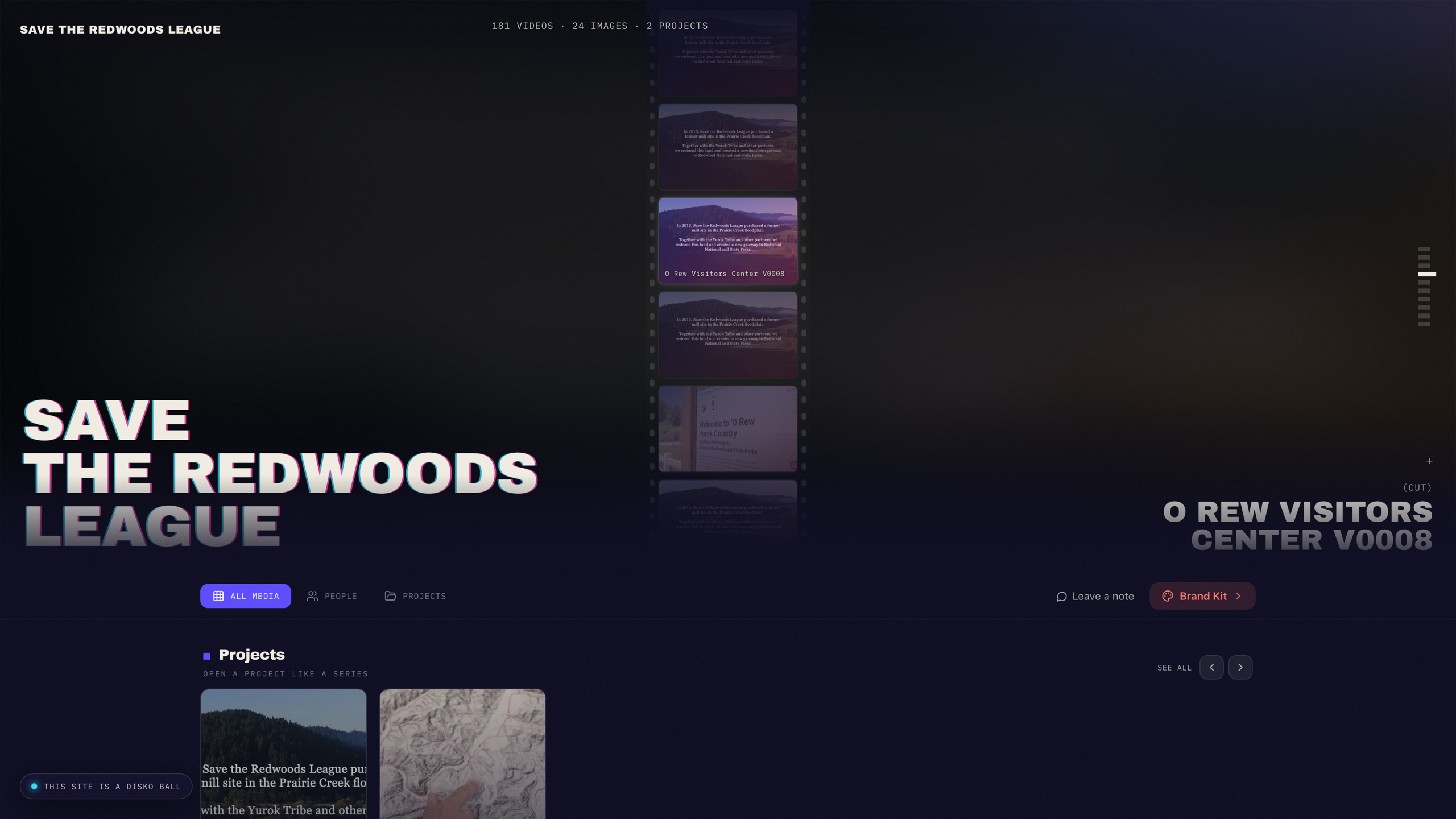
Build one in minutes
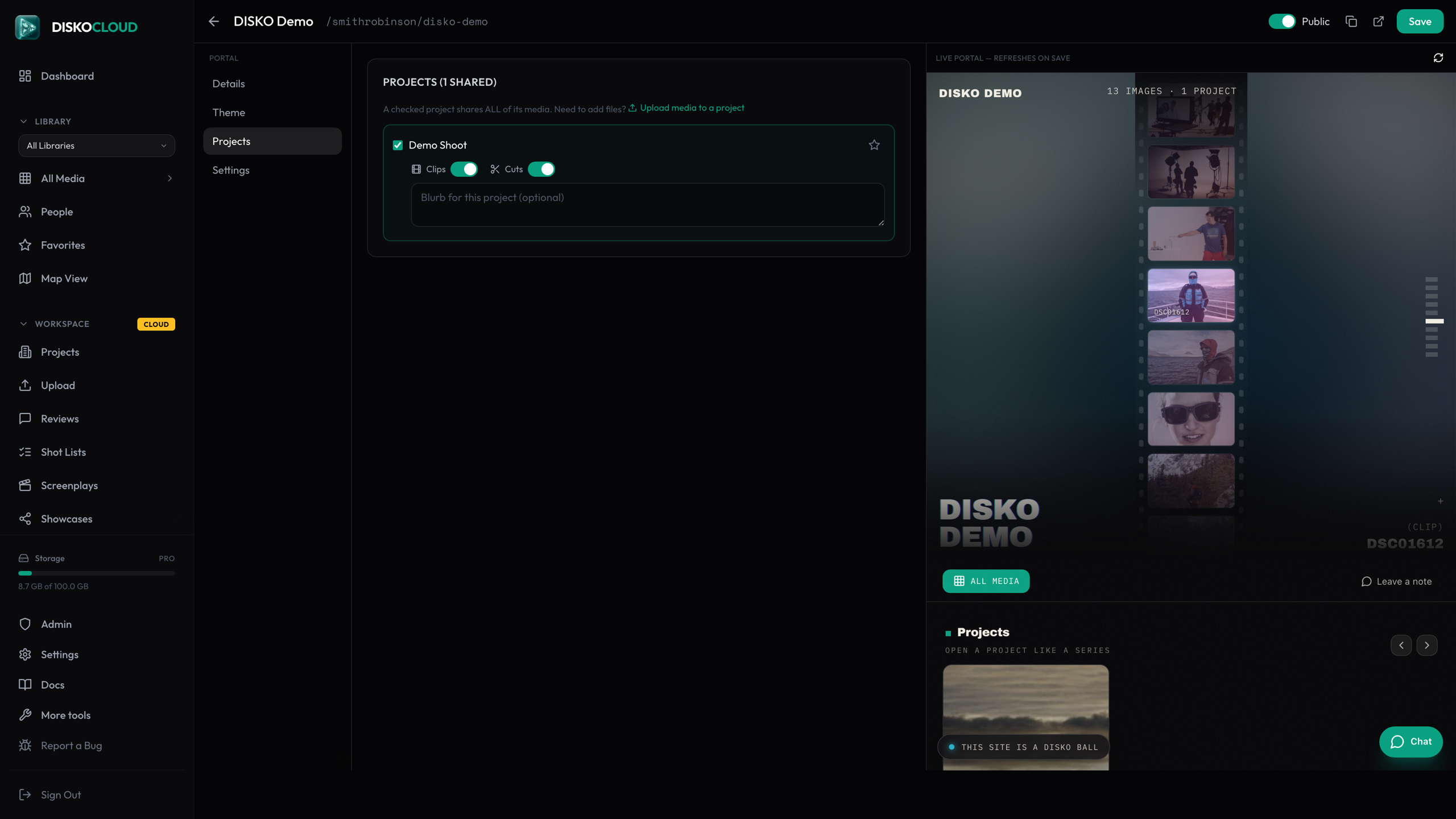
- 1Open Portals in your dashboard (or hit the share icon next to a client) — a portal is created for that client.
- 2Check the projects to share. A checkbox shares the whole project; per-project toggles refine whether clips, cuts, or both are visible.
- 3Set the look: brand color, logo, hero — the live preview updates as you go.
- 4Optionally set a password. Protected portals reveal nothing until it's entered.
What clients can do
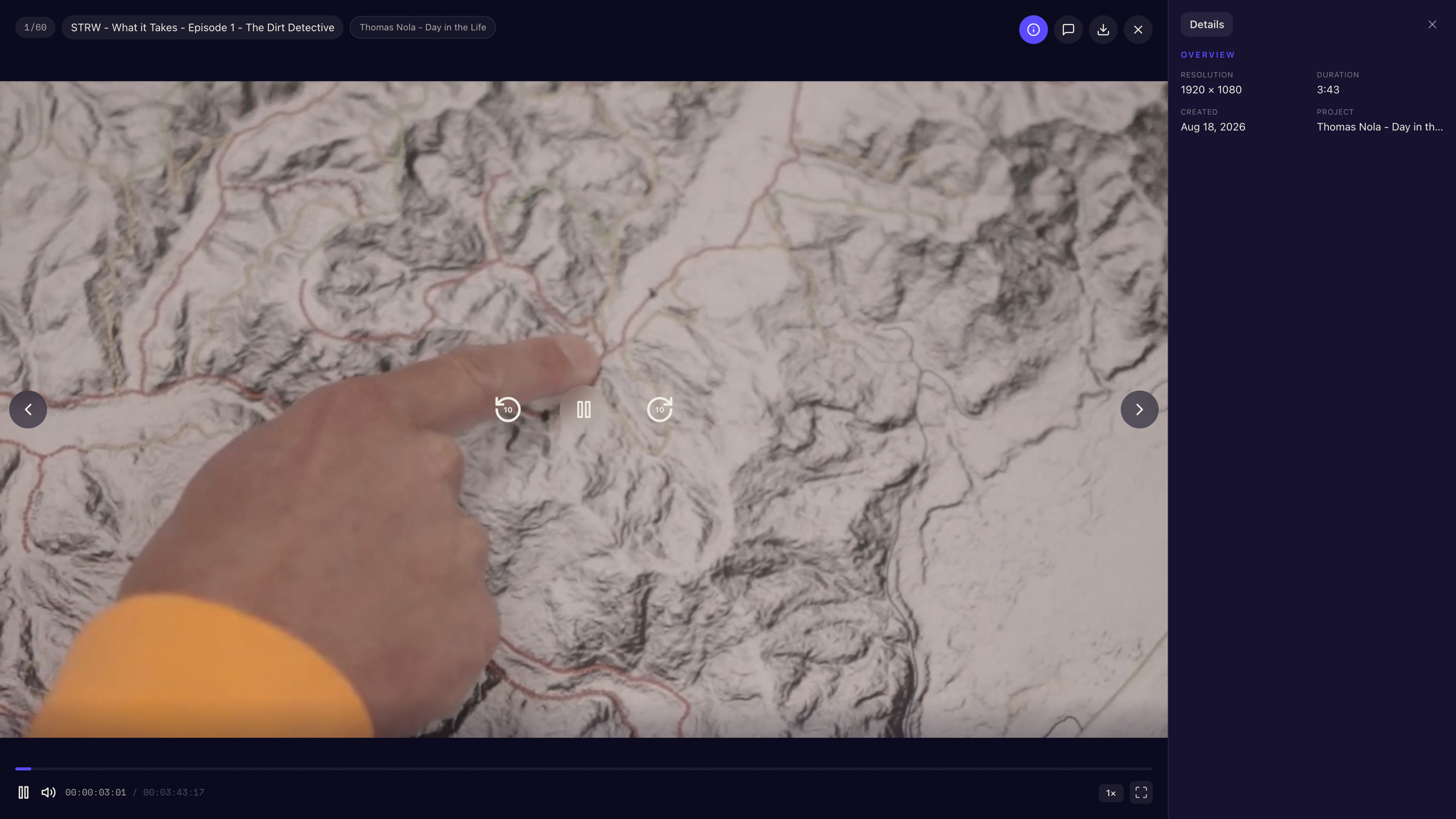
Clients get real search across their media — including your AI tags and dialogue — plus a people view built from face recognition, filtering by project, and (if you allow it) downloads. Every video opens in a clean player with details alongside.
Share it
Every portal has a clean link — and if you've claimed a username, a pretty one like disko.media/yourname/clientname. Send it once; it stays current forever. Guestbook comments let clients leave notes per project, and view analytics show you what they actually watched.
Portals pair well with review links: the portal is the client's permanent library, review links are for the cut that needs notes this week.